Use case · Social videos
Short-form videos that look like a channel.
Make social and short-form videos in Framebit. Transform clips or ideas into polished videos with animated captions, branded layouts, and motion that stays editable. Start from footage, a prompt, or a template, set a vertical or square layout, and export for Reels, TikTok, and Shorts — all in the browser.
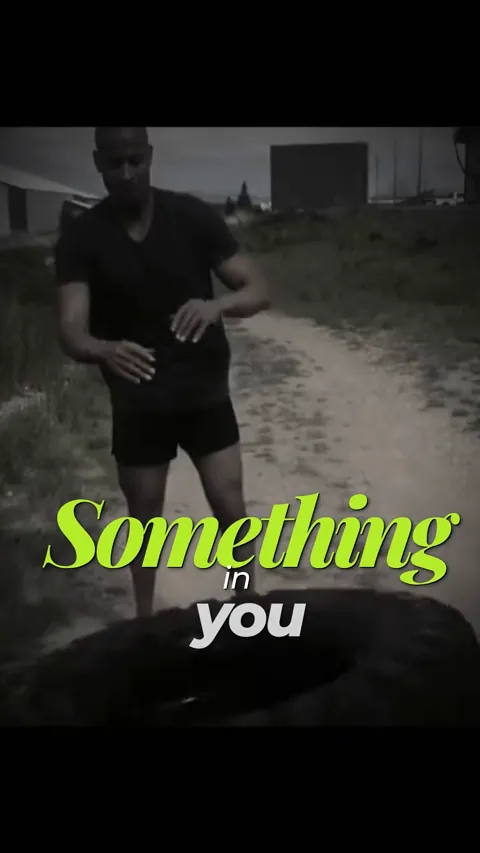
Built for short-form.
Captions, vertical layouts, and editable motion — fast to make, easy to repeat.
Animated captions
Auto-generate captions with animated styles and per-word emphasis that hold attention.
Vertical and square layouts
Resize for Reels, TikTok, and Shorts, or any ratio, without losing the framing that matters.
Editable motion
Kinetic text and overlays that stay editable — restyle and retime them to match the trend.
Branded layouts
Apply consistent colors, fonts, and scenes so a series of clips feels like one channel.
Repeatable in minutes
Reuse a scene or template and swap the content to ship the next clip quickly.
An AI head start
Turn an idea or a raw clip into a first version with AI, then make it yours.
How it works
From a clip to a captioned, on-brand short in three steps.
- 1
Bring a clip or idea
Upload footage or start from a prompt or template built for short-form.
- 2
Caption and style
Add animated captions, set a vertical layout, and apply your brand styling.
- 3
Export for the platform
Export in the right aspect ratio for Reels, TikTok, or Shorts.
Best for — and not for
Framebit is built for polished social and short-form video. Highly specialized film compositing or advanced character animation may still require dedicated tools.
Questions
What social videos can I make?
Short-form clips for Reels, TikTok, and Shorts: captioned talking-head videos, promos, tips, and trend formats. Add animated captions, branded layouts, and editable motion, then export in a vertical or square ratio.
Can I add animated captions automatically?
Yes. Framebit can auto-generate captions, then you style them — per-word emphasis, colors, and animation — and keep them editable alongside the rest of the video.
Can I resize a video for different platforms?
Yes. Set the aspect ratio for Reels, TikTok, Shorts, or any format, and adjust the framing so the important part of the shot stays in view.
Make your next short-form video in Framebit.
Start with AI, a template, or your own footage, then make every part of the result your own.