AI video editor with motion graphics built in
Createvideosworth
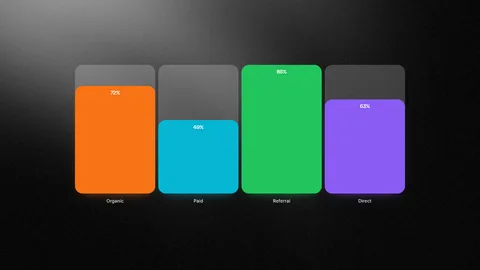
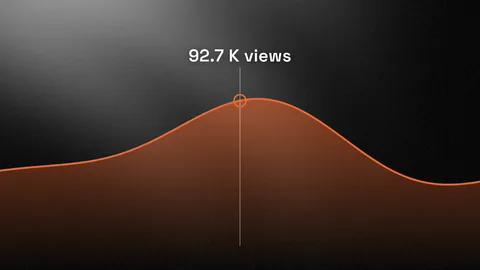
Start with AI, a template, or your own footage — then shape every part of the result in your browser.
Opens as an editable project in Framebit. Or open the editor to start from scratch.
 Play
Play
Motion graphics that stay editable.
Add animated captions, charts, text, product visuals, and reusable scenes without leaving the editor — then adjust the content, style, timing, and placement to fit the video.
—
—
Built around the videos you actually make.
Three jobs Framebit handles end to end — from a fast start to a finished, on-brand result.
Product & launch videos
Turn product screens, feature updates, and launch messages into videos with animated text, interface moments, and clear pacing.
Product videos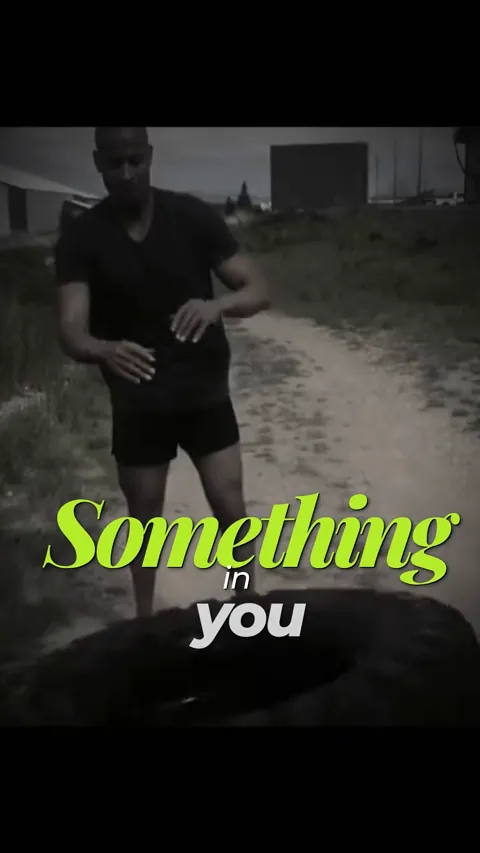
Social & short-form videos
Transform clips or ideas into polished short-form videos with animated captions, branded layouts, and motion that stays editable.
Social videos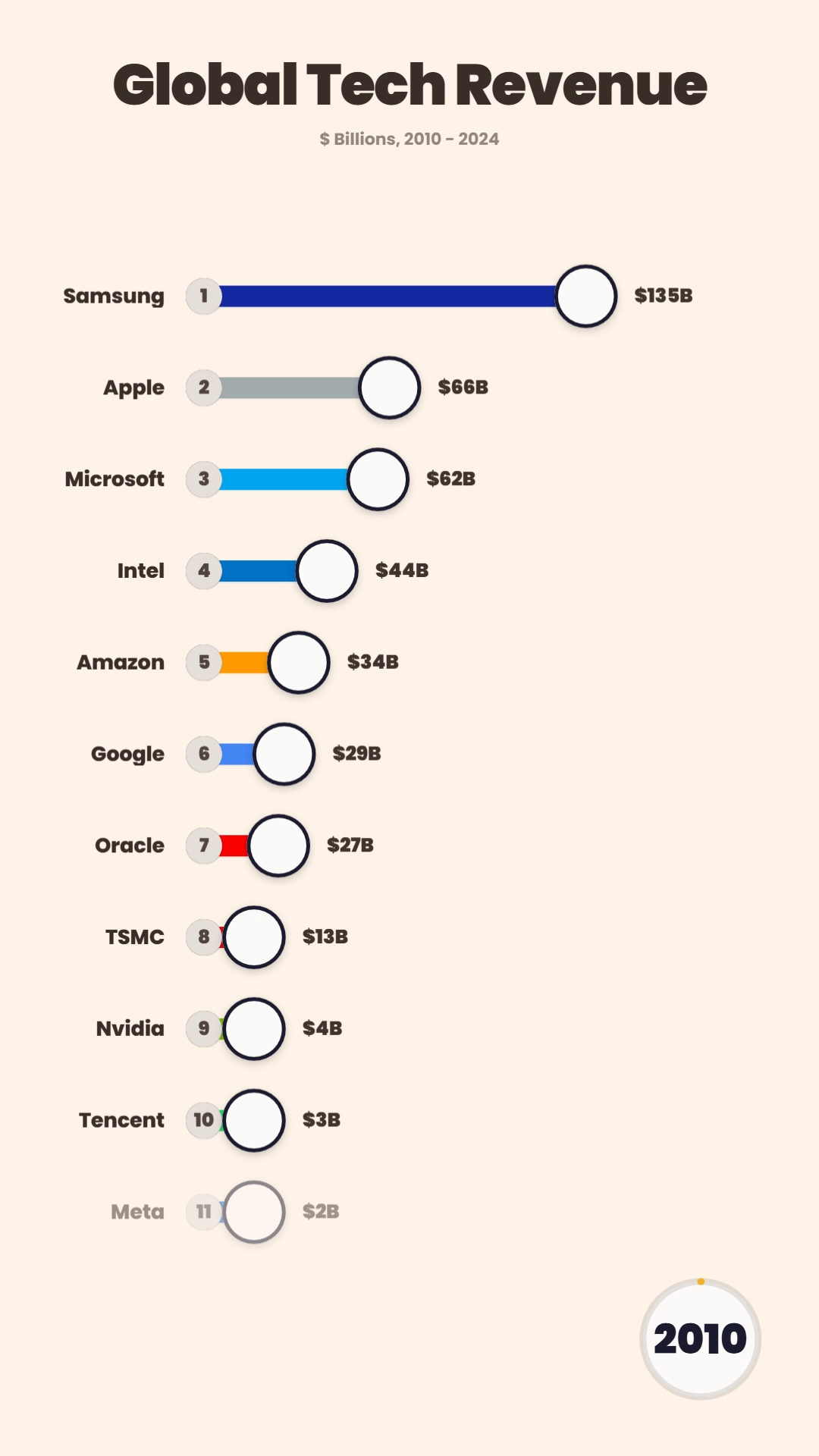
Data & explanation videos
Make charts, comparisons, lists, and key points easier to follow with coordinated animation and clear visual hierarchy.
Data videosMore than motion.
A real editor sits under the motion graphics — plus a few things you won't find elsewhere.
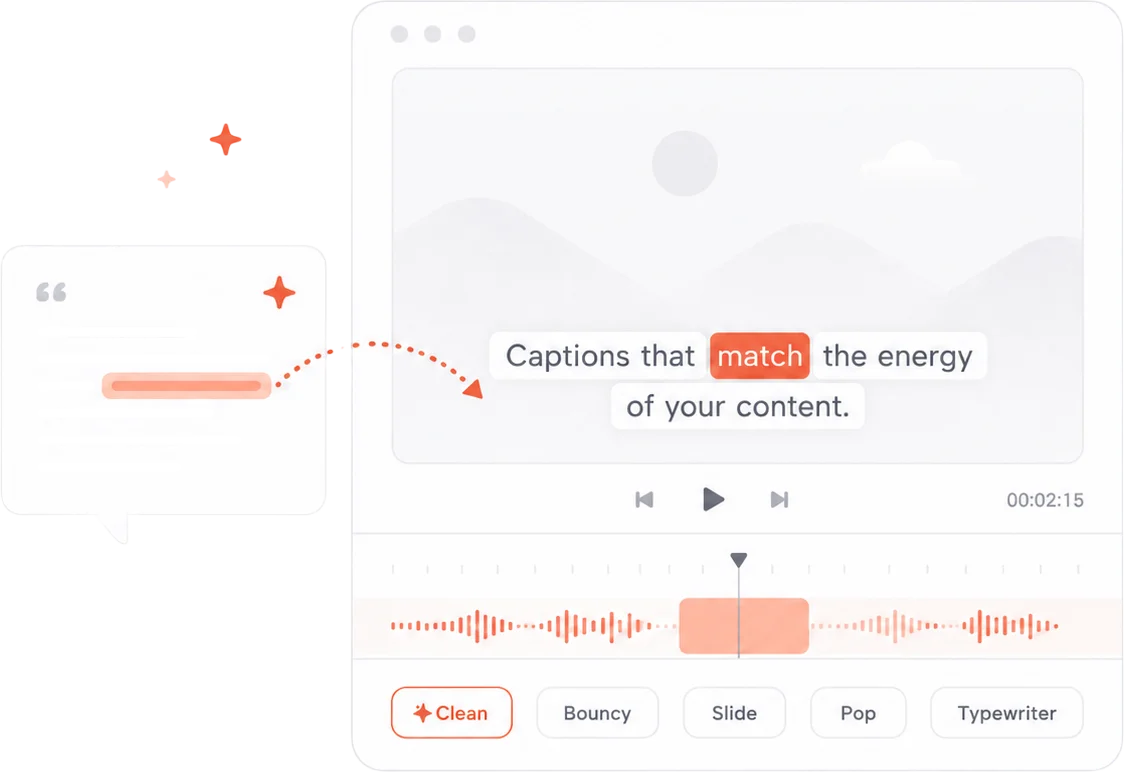
Captions that match the energy of your content.
15 animated presets. Per-word styling. Transcribe once, ship in minutes.
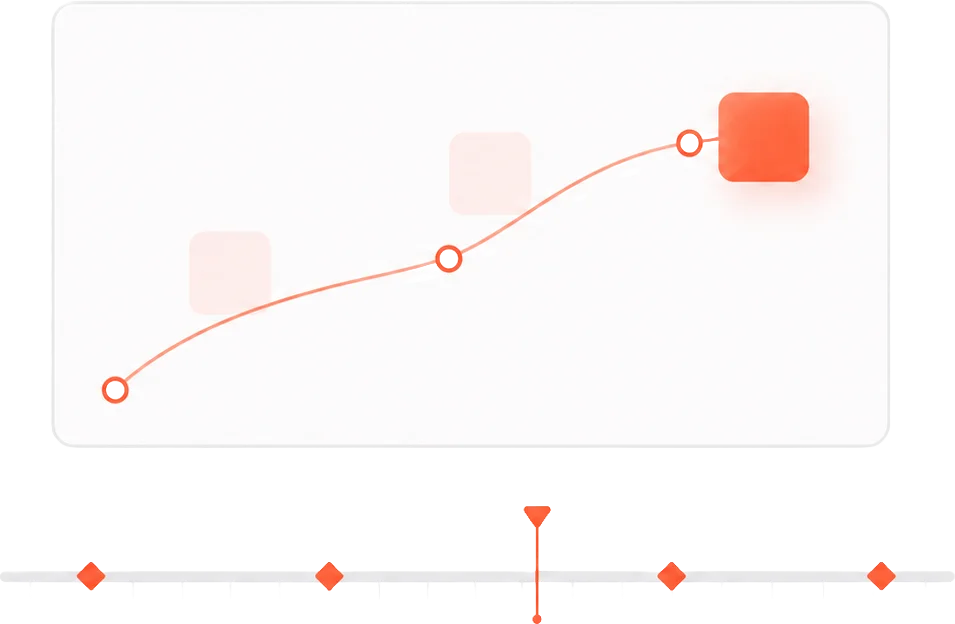
Animate anything. Frame-exact.
15 easing curves. Position, scale, opacity, rotation — all keyframeable.
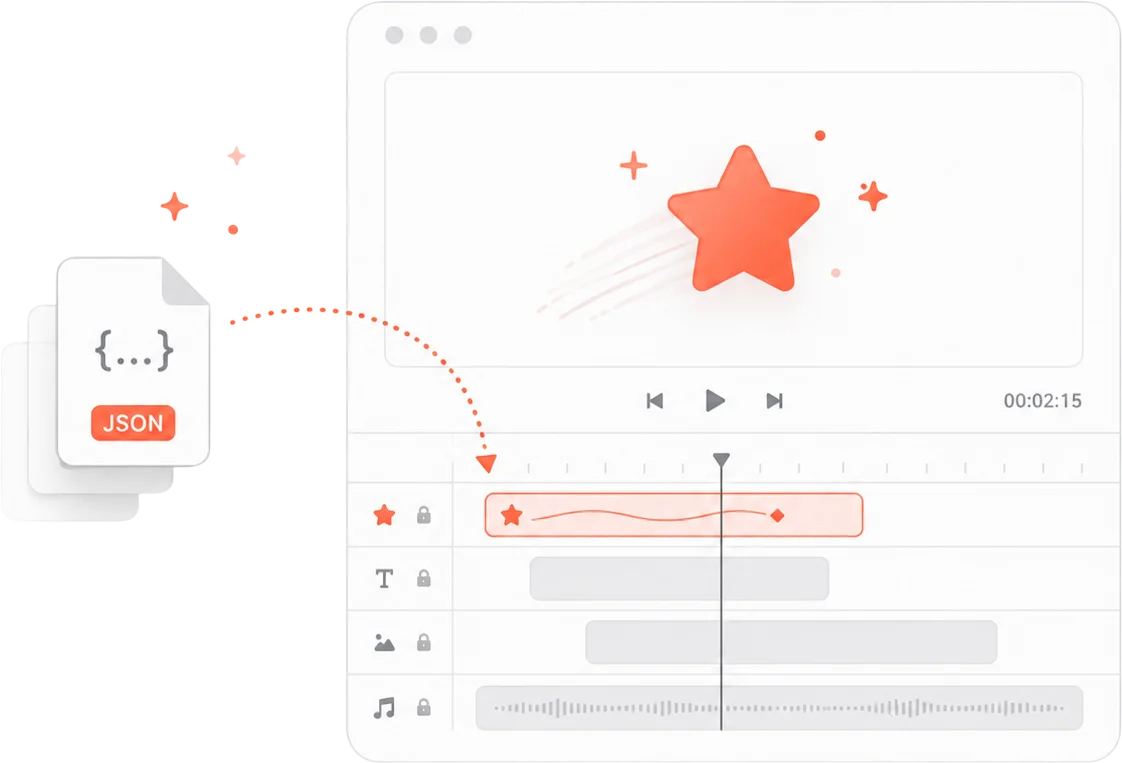
Drop any Lottie file straight into your timeline.
Import .json animations from Lottielab, LottieFiles, or your own motion work.
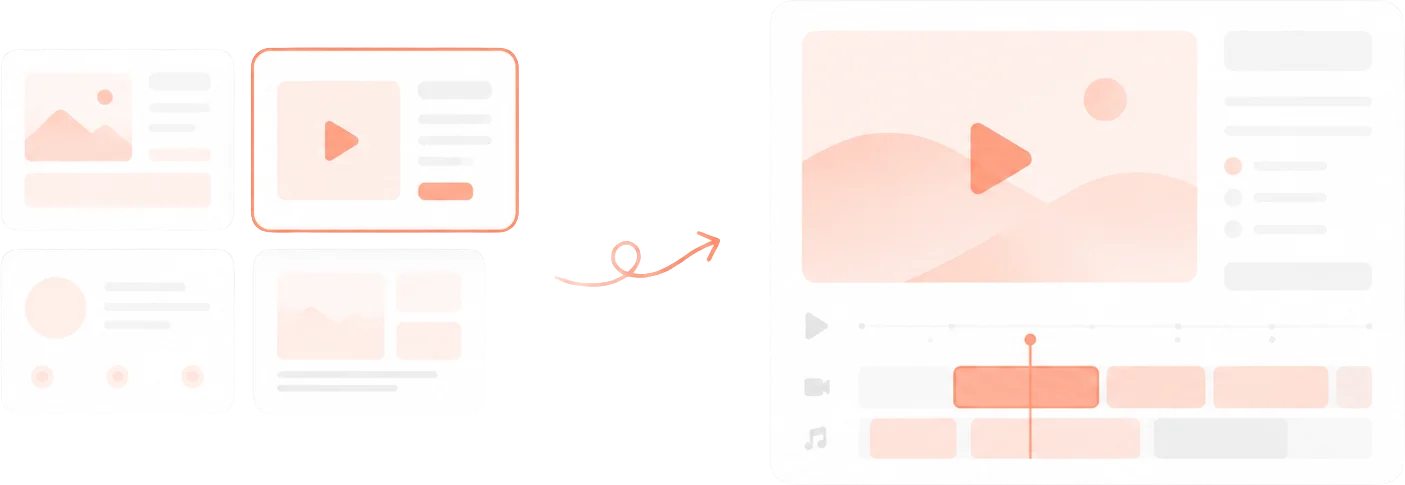
Start finished, not from blank.
Pre-built layouts. Swap the content, keep the quality.
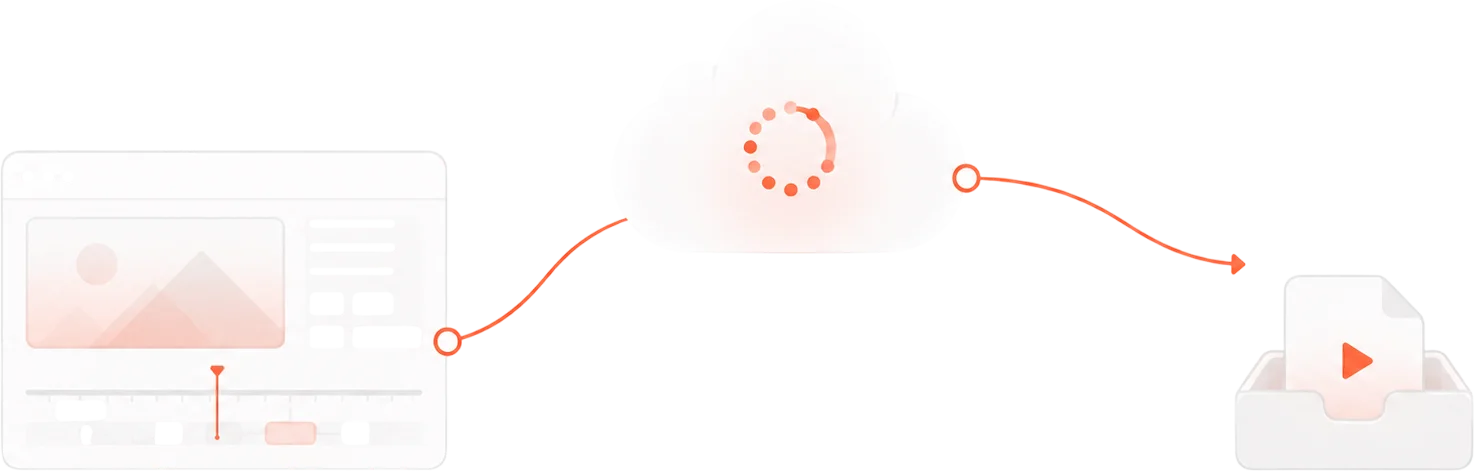
Export in your browser, or render in the cloud.
Export directly from the browser on the free plan, or render up to 4K in the cloud on Pro and Studio.
Pick a plan.
Free to start. No credit card needed.
Free
Get started. No credit card required.
- 720p export quality
- Watermark on exports
- 5 projects
- 1 GB storage
- Browser export only
Pro
For creators who ship regularly.
- 2K export quality
- No watermark
- 50 projects
- 25 GB storage
- Cloud rendering
Studio
For teams and high-volume production.
- 4K export quality
- No watermark
- Unlimited projects
- 100 GB storage
- Priority cloud rendering
No hidden fees. Cancel anytime. Annual billing coming soon.
Free tools to get started.
Quick, browser-based tools that lead straight into the full editor.
Add Captions to Video
Auto-generate captions with animated styles, then keep editing them in Framebit.
Transcribe Video
Private in-browser transcription. Export text, or continue into a captioned video.
Video Compressor
Shrink file size without losing quality, then continue editing it in Framebit.
Video Converter
Convert between MP4, MOV, and WebM, then bring the clip into your project.
AI Video Generator
Describe a video and get an editable draft that opens in the Framebit editor.
Browse all tools
Trimmer, resizer, GIF, audio extractor, and more.
Questions.
Anything else? Email us.
What is Framebit?
Framebit is a browser-based AI video editor with customizable motion graphics built into the editing workflow. You start with a prompt, a template, or your own footage, then refine the result with editing tools, animated captions, charts, and product visuals in one workspace.
Is Framebit an AI video generator or a video editor?
Both. AI can produce a starting point, but the result opens as a fully editable project — not a locked export. You keep control over timing, text, captions, motion graphics, and media, the way you would in a real editor.
Can I edit videos created with AI?
Yes. Anything AI generates opens as an editable Framebit project. You can change the copy, restyle captions and motion graphics, adjust timing and layout, swap media, and add or remove scenes before you export.
What kinds of motion graphics can I add?
Animated captions, charts and comparisons, kinetic text, product and interface visuals, lists, callouts, and reusable branded scenes. Each stays editable — you control the content, style, timing, and placement inside the video.
Can I start from my own footage or a template?
Yes. Upload your own clips, images, and audio, or start from a template and replace the content. You can also begin from a prompt. All three open in the same editor, so you can mix and refine them however you like.
Does Framebit run in the browser?
Yes. Framebit runs entirely in your browser — Chrome, Edge, Firefox, and Safari are supported. There's no desktop app or plugin to install. You can export directly in the browser, or render in the cloud on a paid plan.
What types of videos is Framebit best for?
Polished web and social video: product and launch videos, short-form social clips with animated captions, and data or explanation videos with charts and comparisons. Highly specialized film compositing or character animation may still need dedicated tools.
Is there a free plan?
Yes — a real free plan, not a trial. It includes browser-based editing, 720p export with a watermark, 5 projects, and 1 GB storage, with monthly AI credits to try generation. No credit card required. Paid plans remove the watermark and add cloud rendering up to 4K.
From the blog.
Guides and tutorials for getting more out of every video.

How to Resize a Video for Instagram, TikTok, and YouTube (Free)
Get the right aspect ratio for every platform — 9:16 for Reels and TikTok, 16:9 for YouTube, 1:1 for feed posts. Free browser tool, no software, no account.
July 3, 2026

Best Free Video Compressor Online in 2026 (No Watermark)
Comparing the top free online video compressors in 2026. Which tools actually deliver quality compression without watermarks, file size limits, or hidden fees?
July 2, 2026

How to Add Captions to TikTok Videos for Free (2026)
Add animated word-by-word captions to TikTok videos without relying on TikTok's native tool. Free browser tool — no app needed, no watermark, full style control.
July 1, 2026
Create the video and the motion in one place.
Start with AI, a template, or your own footage, then make every part of the result your own.